Calls that keep going
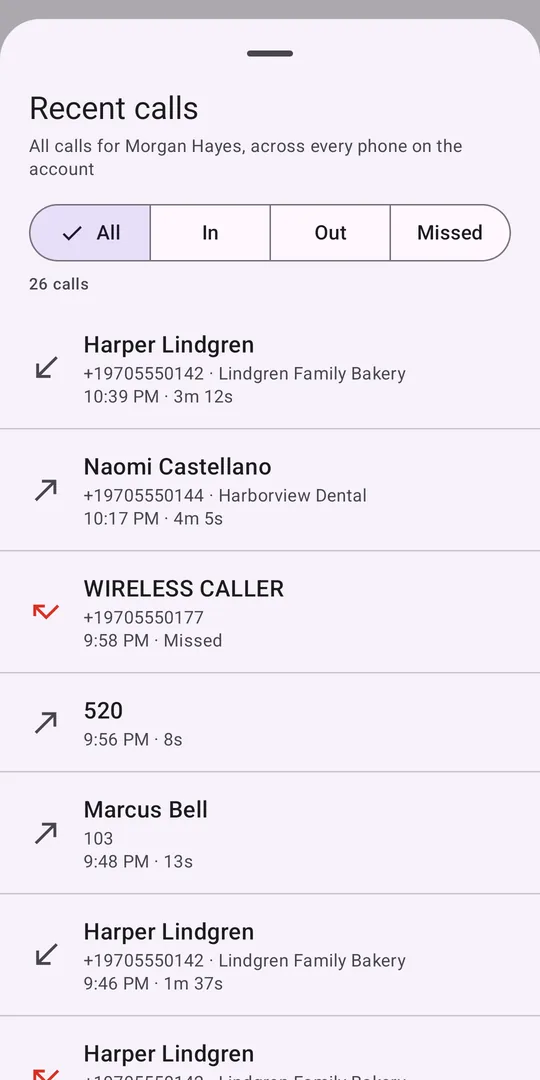
Your business number and extension, with hold, transfer, park, and add-a-call conferencing. Rings even with the screen off, and works with Bluetooth and car systems.
Aegis Connect puts your office extension on your iPhone or Android: calls, texts, voicemail, and your whole team. It's built on the same multi-path technology as our network edge, where the most reliable audio always wins.
Free for users on an AEGIS phone system. Look for Aegis Connect on Google Play and Aegis Connect Mobile on the App Store.
Once Aegis Connect is enabled for your organization, just sign in. There's no new account to create.
Most softphones pick one network and hope it holds. Aegis Connect sends and receives your call over Wi-Fi and cellular at the same time, and the most reliable audio wins in both directions. Walk out of the building mid-sentence and the call doesn't even blink.
If your phone restarts, the app crashes, or you lose signal completely, AEGIS holds the call in our cloud and asks your caller to stand by. Aegis Connect rejoins the call as soon as your phone is back.
Your business number and extension, with hold, transfer, park, and add-a-call conferencing. Rings even with the screen off, and works with Bluetooth and car systems.
Caller lookups from your CRM or support system show who's calling and their open tickets before you answer.
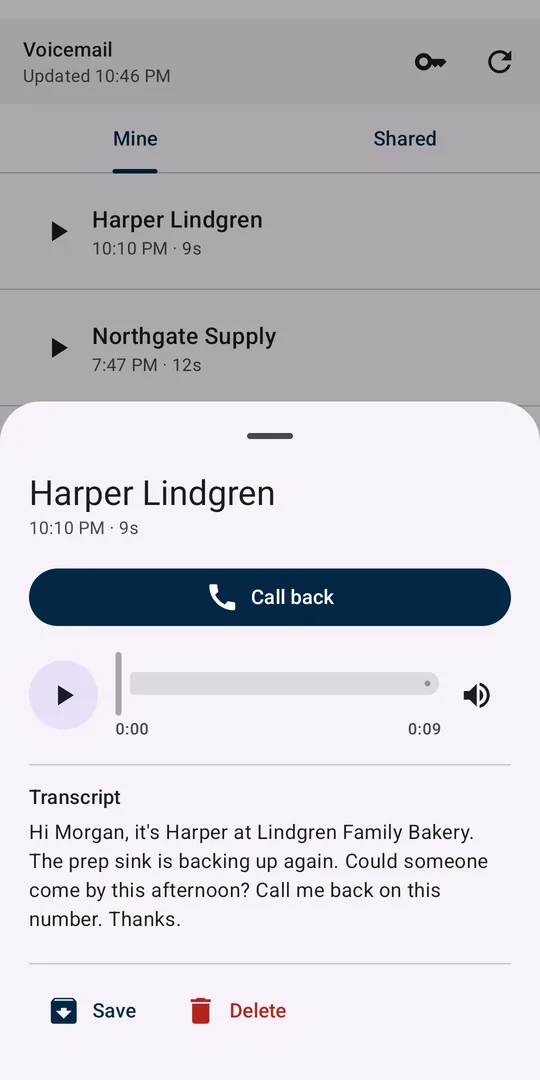
Visual voicemail with transcripts, plus shared group mailboxes your team can claim and mark handled.
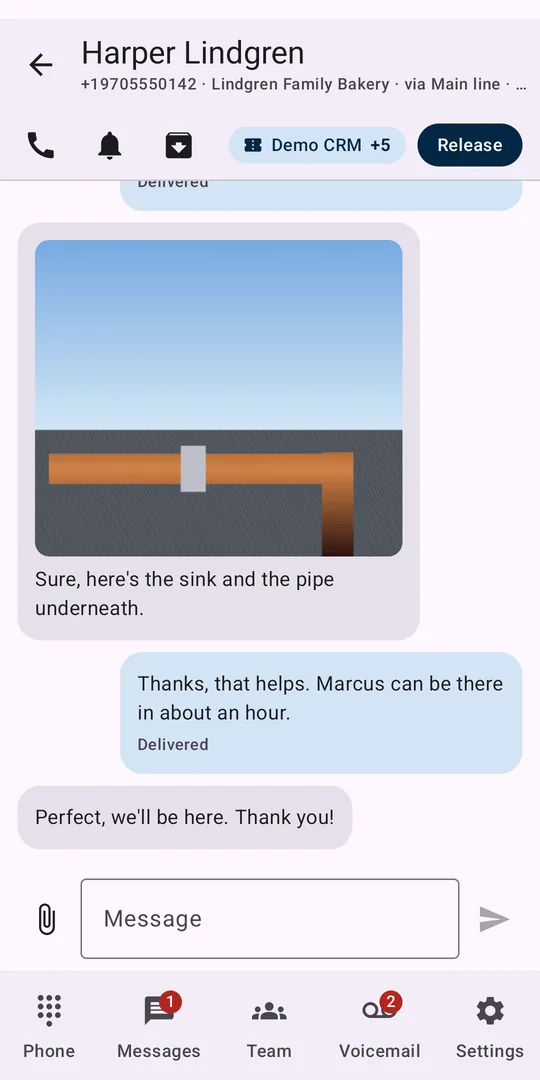
Send and receive text and picture messages on your company numbers, with shared inboxes so anyone can pick up a conversation.
See who's free, on a call, or ringing. Star your favorites, and get told the moment a busy colleague is available.
Crystal-clear HD audio that stays clear on weak signal and busy networks, plus a one-tap "Check my setup" test.
Emergency calls: For your safety, Aegis Connect hands 911, 933, and 988 calls to your phone's built-in dialer, so they are placed over your mobile carrier with its location information. See our mobile app privacy policy for how the app handles your data.
Ask your administrator to enable Aegis Connect for your organization, then follow our quick setup guide.